Free Synthwave and Retro 80s Music for Videos, Streams and Edits
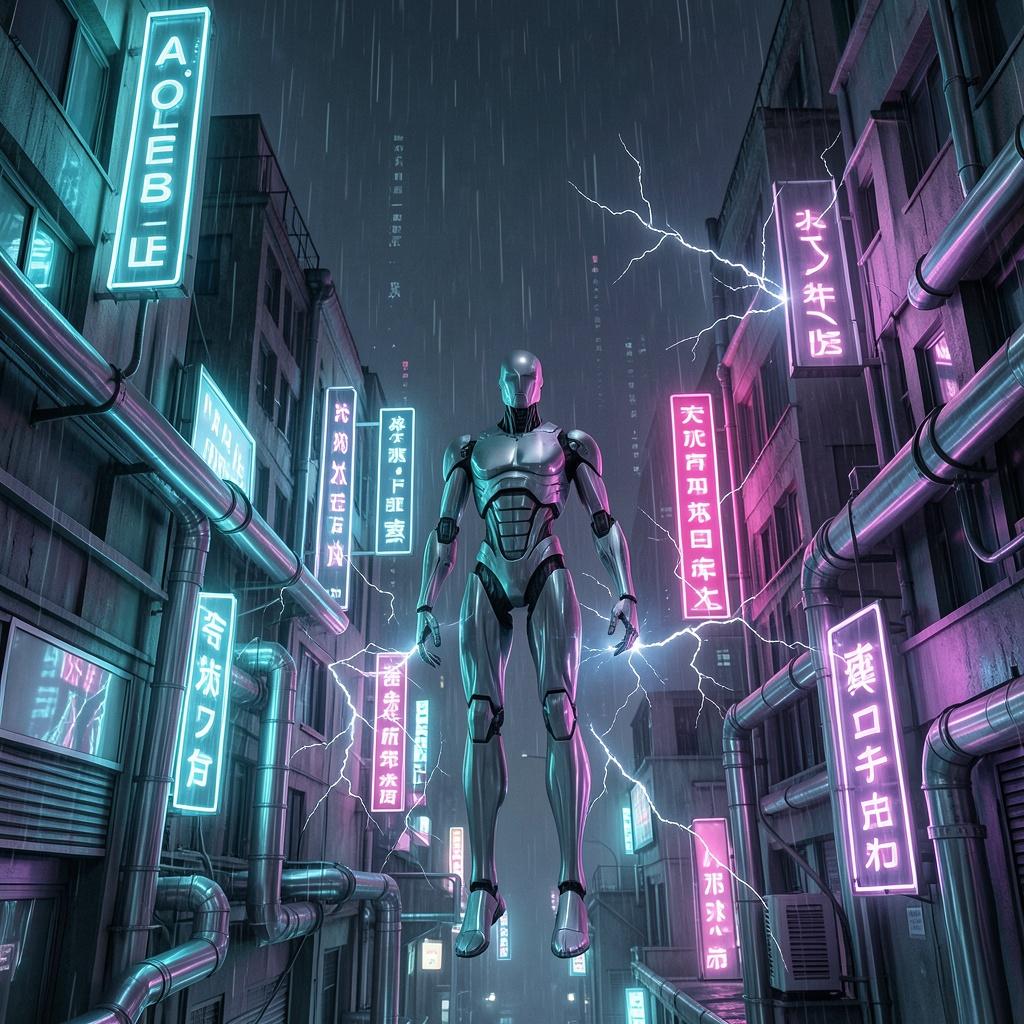
Neon, night driving and chrome-bright arpeggios have become a visual language of their own. This guide helps you pick synthwave that supports the picture instead of fighting it, whether you are cutting a gaming montage, a car video or a stream intro.
Newest 60 tracks that match this guide. Free to download, no sign-up, commercial use OK. All music is AI-generated. The Download button opens the track’s page in English in a new tab, so your music keeps playing here.
Synthwave leans on a steady pulse, a bright lead synth and a lot of reverb. That combination gives an editor two things at once: a clear rhythm to cut against and a mood that already feels cinematic.
A drive through a city at night, a retro-styled game clip or a product shot against a dark background all look more deliberate with this kind of sound underneath.
The catalog tags 158 tracks as synthwave. Their median tempo is 122 BPM, and the range runs from about 65 to 167.
Treat the tempo as a starting filter only. Two tracks at the same BPM can feel very different depending on how busy the bass and arpeggio lines are.
Night drive and car footage: pick a steady mid-tempo track with a long, patient intro. The picture provides the movement, so the music can stay smooth.
Gaming montages and highlight reels: choose a faster, driving track and cut on the strongest drum hits. Avoid a track with a busy lead melody under loud game audio.
Stream intros and overlays: short loops of a few bars work well. Listen for a clean ending you can fade without an abrupt cut.
Tech and product visuals: a restrained, darker track with space between notes keeps the focus on the product.
Synthwave is dense in the low and mid frequencies. If you add narration, the bass synth and pad layers can cover consonants quickly.
Lower the music well below the voice, and if you can, apply a gentle high-pass on the music track around the vocal range rather than just turning everything down.
For gameplay with loud effects, the opposite problem appears. A quiet, sparse track disappears under explosions.
Try a track with a clear rhythmic backbone and keep it at a modest level so that it reads as a texture, not a competing soundtrack.
Heading to the Summer Sea Ⅱ · tap the artwork to play
Yes. Tracks are free to download and can be used in commercial projects under the site license. Do not redistribute the audio files as a music library or sample pack.
Do I need to sign up or give credit?
No sign-up is required and credit is optional. If you want to credit the source, use Nihonichi Free BGM.
Is synthwave a good fit for gaming videos?
Often yes. It has a steady pulse that is easy to edit against. Keep the level modest if the game has loud sound effects, and preview the loudest part before you commit.
How many of these tracks are instrumental?
70% of the synthwave-tagged tracks are marked instrumental. Check the badge on the track you choose, and preview it, since the catalog data can be imperfect.
Can Content ID ever flag my video?
An automated claim is possible on any platform, and no claim-free result is guaranteed. The tracks are AI-generated. If a platform flags your upload, follow its review or dispute process and keep a record of where you downloaded the track.
Before you publish: every track here is AI-generated and free to download without signing up. Read the plain-English license summary for what you can and cannot do, and preview the music in your real edit or mix first.