Salon and boutique music sets the pace of a visit: it should feel current without becoming the main event. This guide explains what works in beauty and fashion spaces, how to match tempo to the moment, and how to use the same tracks in lookbooks, runway-style clips and short brand videos.
Newest 46 tracks that match this guide. Free to download, no sign-up, commercial use OK. All music is AI-generated. The Download button opens the track’s page in English in a new tab, so your music keeps playing here.
The Pet Salon Waiting Room Ⅱ3:24 · 91 BPM · instrumental
In a salon the music fills the gaps in conversation and covers the sound of equipment. In a boutique it sets the speed at which people browse.
In both, it should feel modern and tidy without competing with staff or customers. The tracks in this guide are 96% instrumental, and the median tempo is about 106 BPM: faster than café music, but still a steady background.
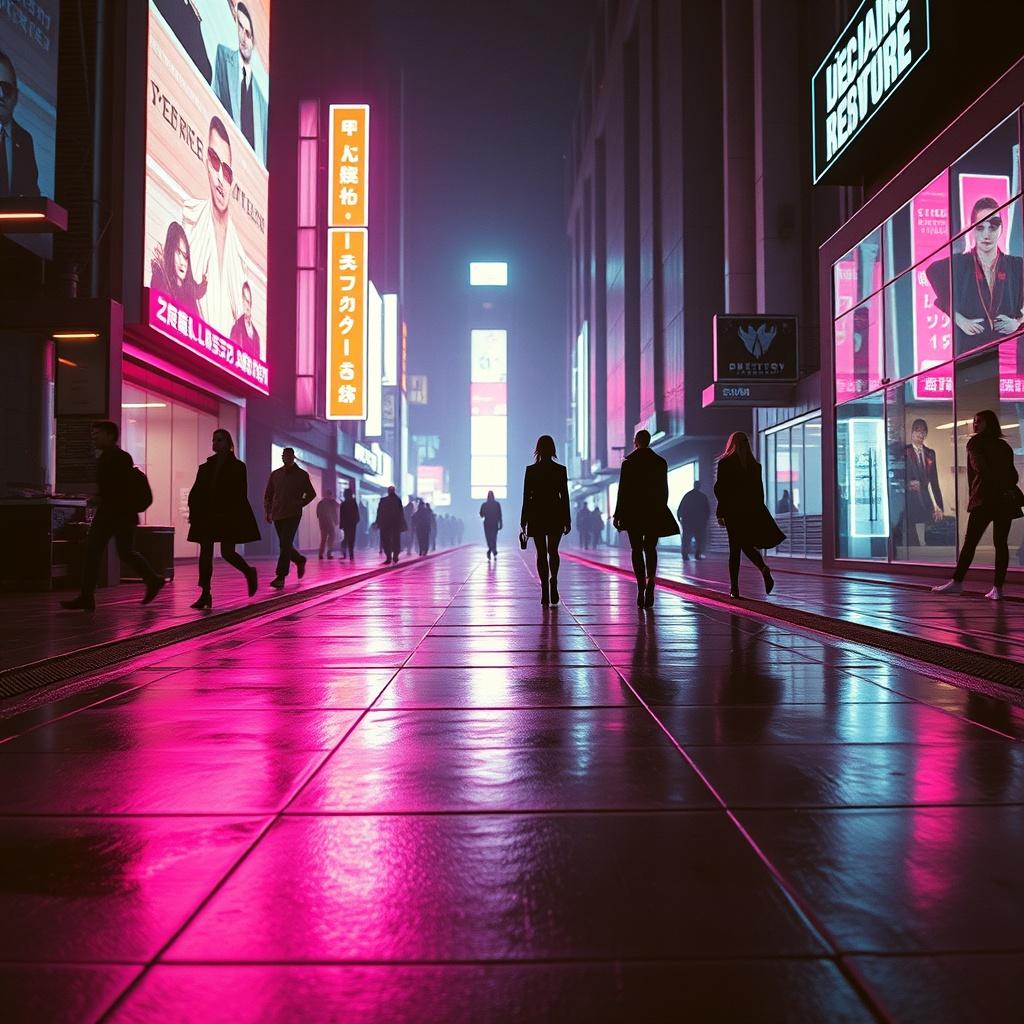
Shibuya Runway · tap the artwork to play
Try it now
Putting Together an Outfit2:56 · 112 BPM · instrumental
The tags on these tracks are the best guide to what you will hear. 14 tracks carry a beauty tag, 14 carry a fashion tag, and 19 list a chill house style. Most of the collection is built for a steady, modern feel rather than a dramatic arc, which makes it easy to leave running.
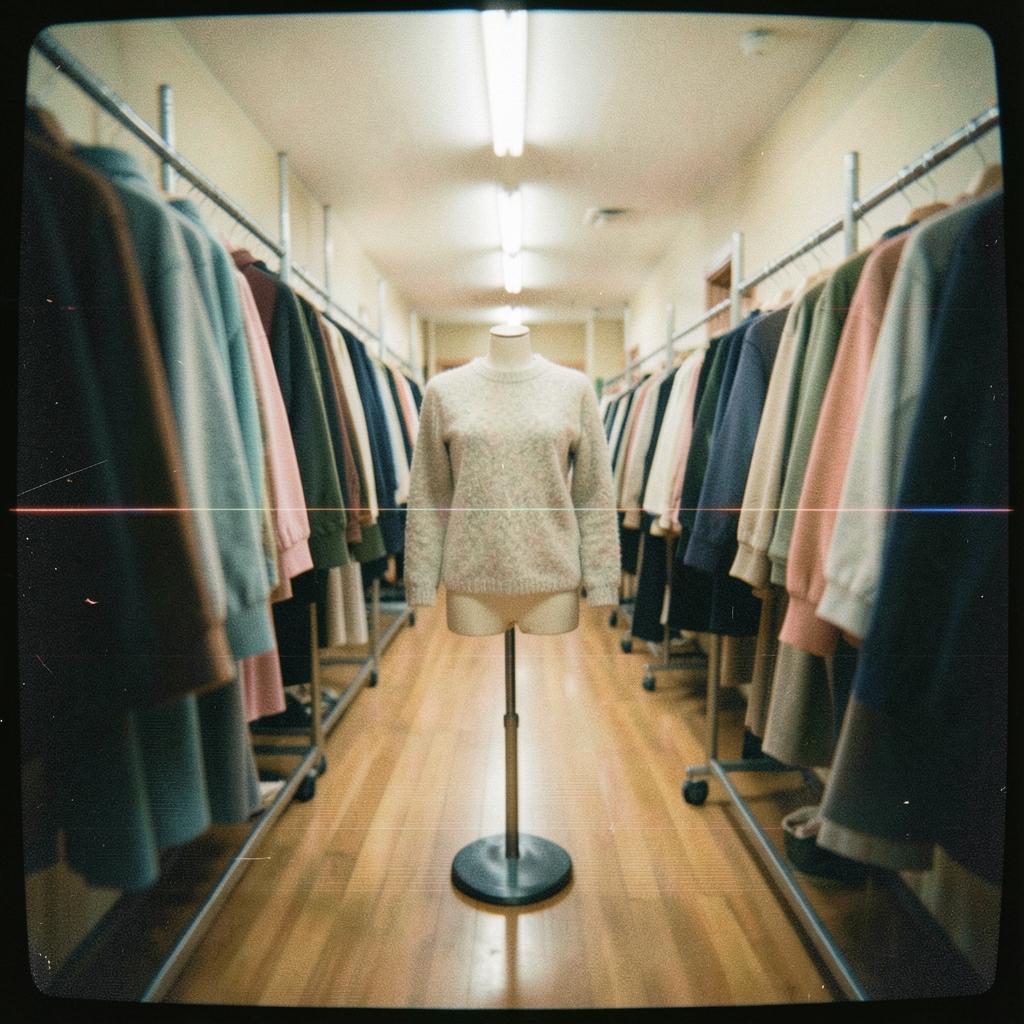
The Pet Salon Waiting Room · tap the artwork to play
Try it now
Time at the Nail Salon Ⅱ3:19 · 100 BPM · instrumental
For a lookbook, a try-on reel or a short brand clip, pick a track whose rhythm gives you obvious places to cut. A typical track here is about 2:21, so one track covers most short videos without looping.
Always check the music in your real edit: tracks that sound light on their own can fight with voiceover or on-screen text.
The site’s Terms of Use list commercial use, including advertisements, corporate videos and in-store background music, as allowed. The tracks are free to download with no registration and no credit line required. You may not resell or redistribute the audio files themselves.
The music is AI-generated, and the site says so clearly. No promise is made that a platform’s automated system will never flag a track in a video.
Yes. The Terms of Use list in-store background music as an allowed commercial use. You may not resell or redistribute the audio files. For the latest wording, check the Terms of Use in the music library.
Can I use it in videos for my brand?
Yes. The tracks are free to download without registration and can be used in commercial projects. See the license summary.
Do I need to credit the music?
No. A credit is optional: Music: Nihonichi Free BGM.
Are the tracks instrumental?
96% of the tracks in this guide are instrumental.
Could my video still get a Content ID claim?
All tracks are AI-generated, and there is no promise that an automated system will never flag a track, because such systems can sometimes detect musical similarity. If a platform flags a video, follow its review or dispute process.
Before you publish: every track here is AI-generated and free to download without signing up. Read the plain-English license summary for what you can and cannot do, and preview the music in your real edit or mix first.